TIME ENTRY
TRACK LABOR, EQUIPMENT, QUANTITIES
AND MORE ON ONE SCREEN.
We start with the basics while keeping track of other impacts like extra work and delays so you don't have to re-enter information and can see how you're really doing.
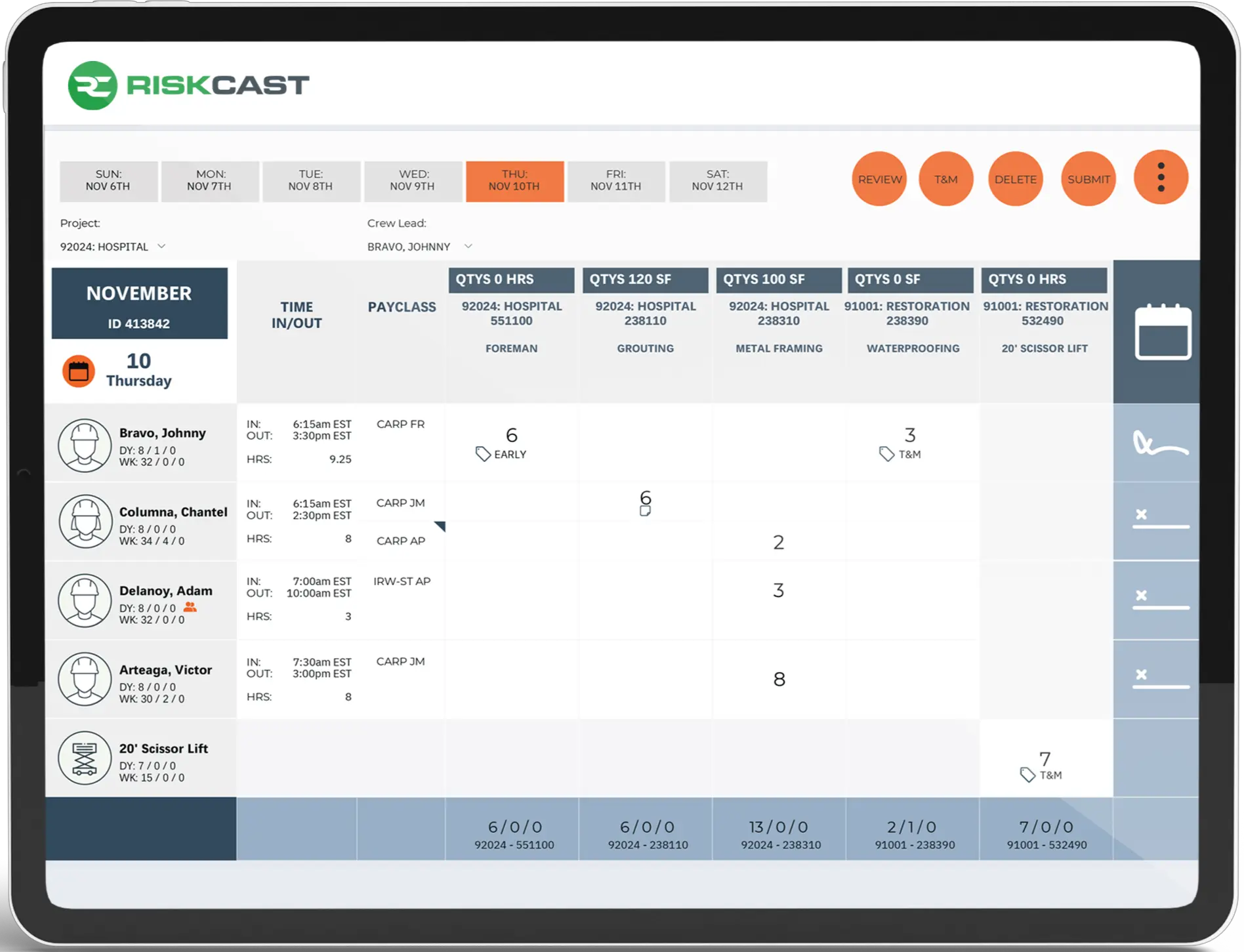
Time Tracking
• Track and view hours, time off plus certifications
• See who's working on other timecards and view total hours
• Option to change pay classes throughout the day
• Record time in and out and capture signatures
• See who's working on other timecards and view total hours
• Option to change pay classes throughout the day
• Record time in and out and capture signatures
Production
• Record quantities installed
• Capture notes by code and employee
• Take photos to include in daily log
• View actuals vs planned production
(can be turned off to simplify timecards)
• Capture notes by code and employee
• Take photos to include in daily log
• View actuals vs planned production
(can be turned off to simplify timecards)
Labor
• Record hours worked for each activity
• Option to track regular, overtime and other hours
• Assign hours to multiple tags per code for detailed reporting
• Turn on optional overtime rules
• Manage payroll rules via integrations
• Option to track regular, overtime and other hours
• Assign hours to multiple tags per code for detailed reporting
• Turn on optional overtime rules
• Manage payroll rules via integrations
Equipment
• Track and view hours plus pm tags
• View if equipment is used on other timecards
• View if equipment is used on other timecards
Time is money
Designed to feel familiar, Riskcast is easy to use while reducing time-consuming redundancy across your entire operations.
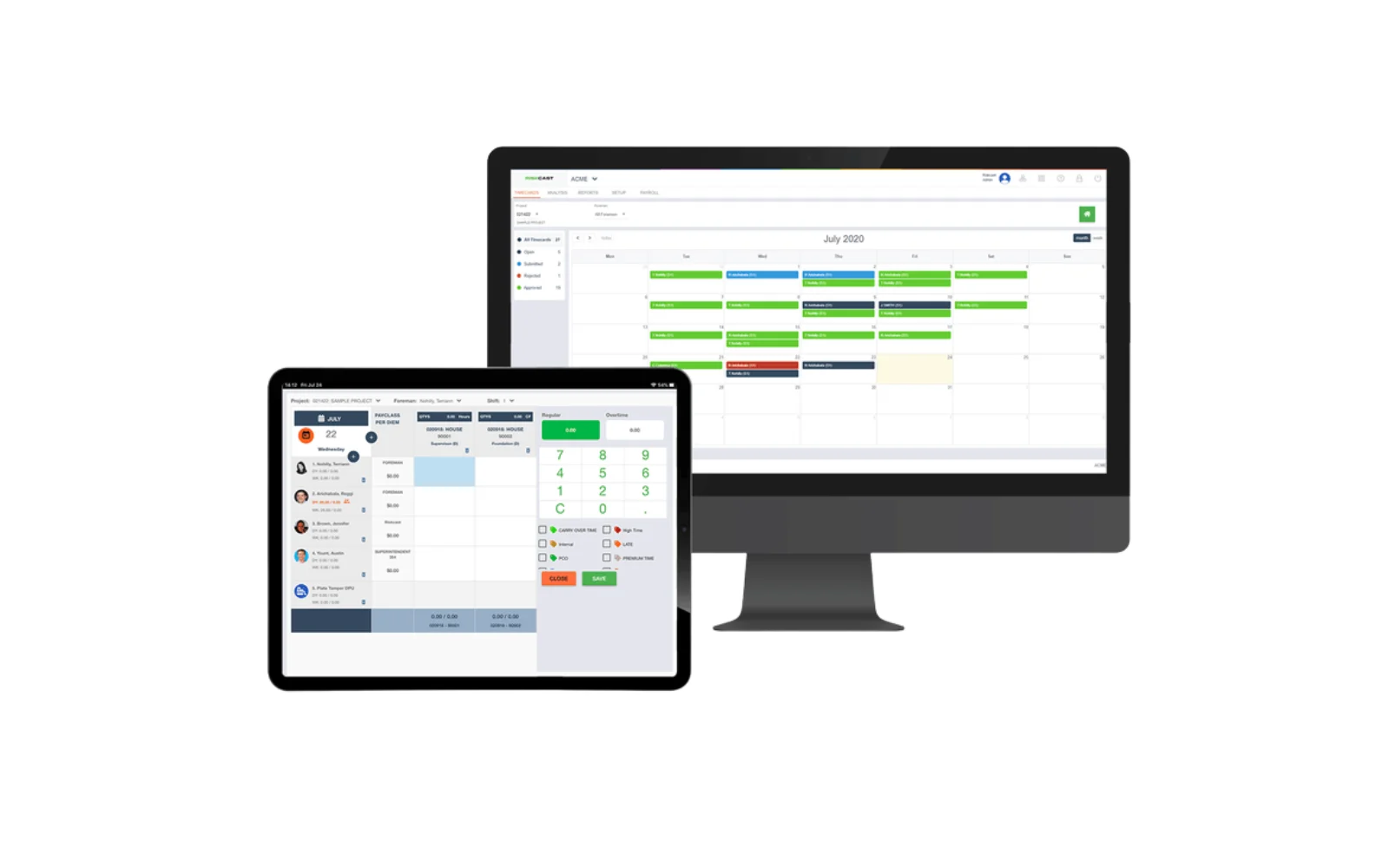
Construction payroll isn't simple
Manage unions, prevailing wage and compliance. Riskcast tracks time while supporting the complexity of the contractor's payroll.
COLLECT IT ONCE, USE IT EVERYWHERE.